
Vially Stories
IAAP EU and Vially Event Workshop: 5.1.4 Functionality Closed to Text Enlargement
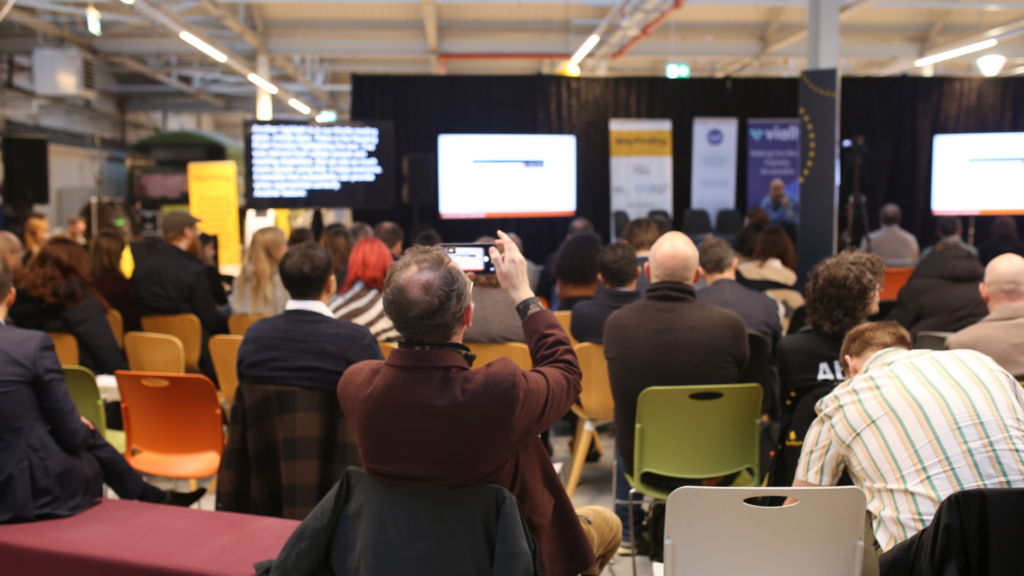
Vially co-hosted the IAAP EU and Vially Accessibility Hybrid Event at the Wayfinding Centre in Dublin in February 2026, with the International Association of Accessibility Professionals. Each workshop examined a requirement of EN 301 549, the European standard for ICT accessibility, discussing what it means in practice and how it should be tested. This is a write-up from one of those sessions.
What 5.1.4 requires
The requirement states that where ICT includes closed functionality, and any functionality is closed to the text enlargement features of the platform or assistive technology, the ICT shall provide a mode of operation where the text and images of text necessary for all functionality are displayed such that the x-height of the text is at least 16 CSS px.
It includes technical notes on calculating physical x-height, clarifies that this represents the smallest font size, and specifies that for handheld devices the viewing distance should be assumed to be 400mm.
Discussion
The group raised a number of questions about how the requirement applies in practice. What exactly constitutes closed functionality? How do you define what is necessary for all functionality? Which modes of operation could enlarge text outside the platform or assistive technology? And does the x-height calculation conflict with standard typographic methods?
First impressions
The group found the requirement detailed but somewhat rigid. Self-service terminals, such as retail checkout systems, emerged as the clearest practical example of closed functionality with limited customisation options.
A significant concern was measurement. Should testers physically measure the letter X on screen with a ruler? And which letter do you measure when no X appears in the text at all?
Conclusions
While the group acknowledged the core clarity of the requirement, they identified areas needing clarification. They also noted that beyond users with low vision, people with cognitive disabilities and those with limited reach, strength or mobility can all be affected by text that is too small.
Vially can help
If you are ready to make your organisation more accessible, are unsure whether you comply with the laws that apply to you, or simply have questions you would like answered, we are here to help.