
Accessibility Training
Tailored accessibility training that gives teams the knowledge and confidence to embed accessibility into everyday work.
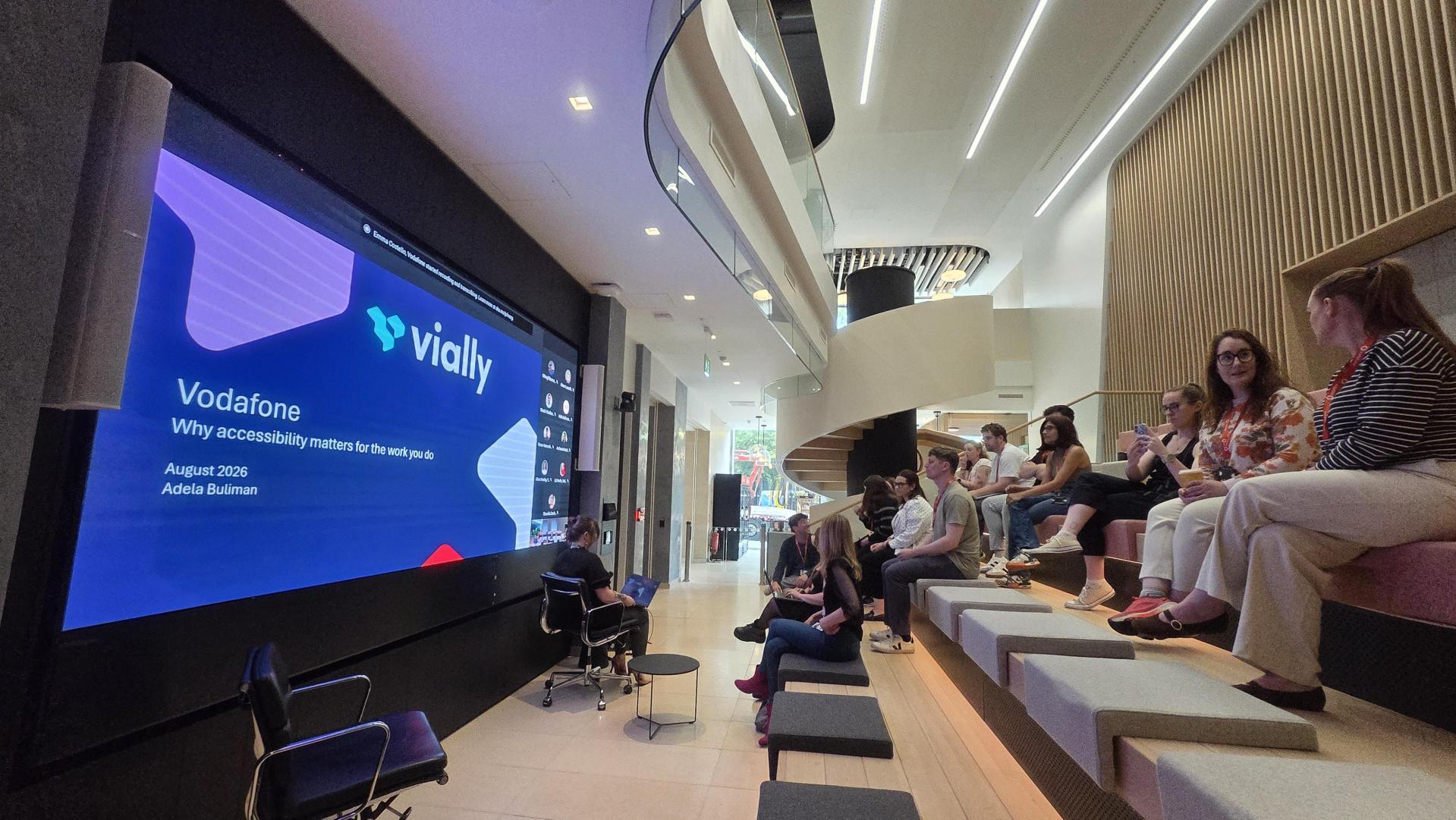
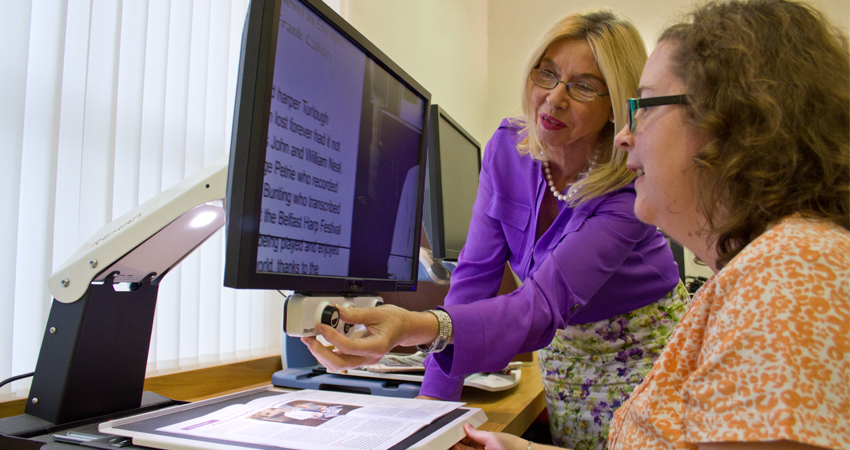
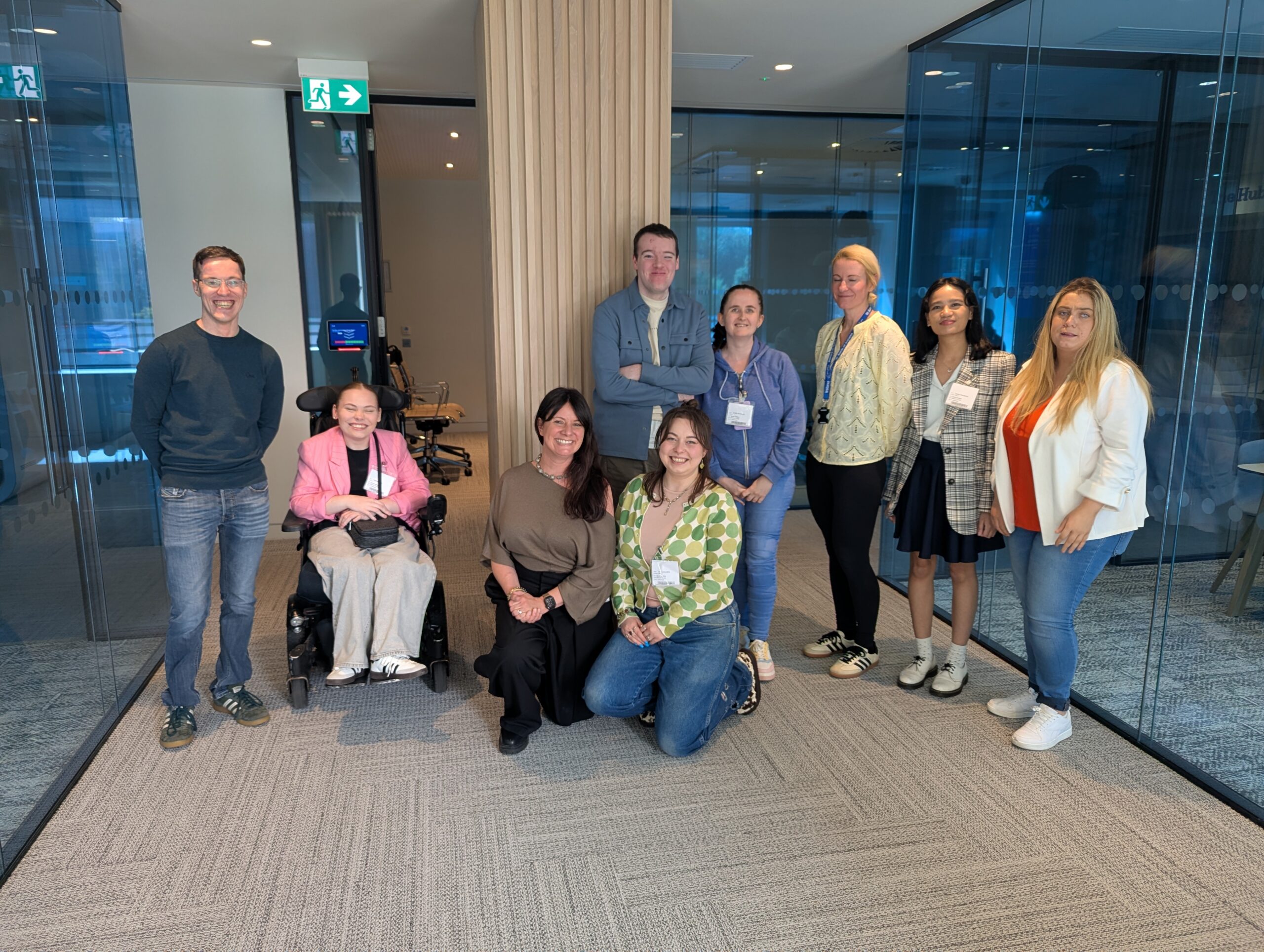
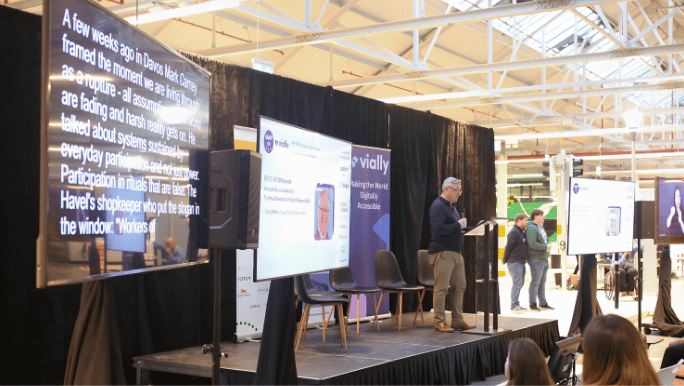
Vially helps organisations build the practical skills, shared understanding and role-specific capability teams need to make accessibility part of how they plan, design, build, publish and manage digital products and services.
From accessibility awareness sessions to specialist training for designers, developers, content teams and decision-makers, our digital accessibility training is built to move accessibility from intention into action.
Make Accessibility Part of How Your Team Works
Accessibility works best when it is built into everyday decisions, processes and responsibilities. It is not the job of one person or one department.
Most accessibility issues are introduced long before a product reaches testing, in a design decision, a content choice, a development pattern or a procurement requirement. Fixing them later costs far more time and money than avoiding them.
Designers, developers, content creators, product owners, procurement teams, delivery leads and senior decision-makers all influence whether a digital experience is accessible. Our training helps each of them understand their role, recognise potential barriers and apply accessibility across the digital lifecycle.
The focus is practical: knowing what to do, when to do it, and how to build it into the way people already work.
Training Built Around Your Organisation
Every organisation is at a different stage. Rather than a one-size-fits-all curriculum, we tailor accessibility training around your people, products, processes and priorities.
Training can be adapted to:
- Team roles and responsibilities
- Existing accessibility knowledge
- Your digital products and services
- Current accessibility challenges
- Relevant WCAG requirements
- Internal processes and workflows
- Accessibility goals and organisational maturity
- The tools and systems your teams use
Where appropriate we use examples from your own digital environment, so teams can connect principles to work they are already doing and see where accessibility fits into existing processes.
Practical Training That Changes How Teams Work
Accessibility training should do more than raise awareness. Our sessions focus on real examples and actions teams can apply straight away.
Teams can learn how to:
- Recognise common digital accessibility barriers
- Understand how disabled people use assistive technologies
- Understand the WCAG requirements relevant to their work
- Identify accessibility issues earlier
- Build accessibility into planning, design, development and content workflows
- Include accessibility in reviews, handovers and acceptance criteria
The goal is not simply to know more about accessibility. It is to have the confidence and capability to apply it.
Accessibility Training for Every Role
Accessibility is shaped by many different people. We build sessions around what each team actually does, so the guidance is relevant to the decisions they make every day.
| Training | Ideal for | What it covers |
|---|---|---|
| Accessibility Awareness Training | Organisation-wide teams, leadership, customer experience, HR, procurement and anyone new to digital accessibility. | Accessibility fundamentals, the experiences of disabled people, and the role every team member plays in creating more inclusive digital experiences. |
| Accessibility Training for Designers | UX designers, UI designers, product designers and design teams. | Accessible design principles, colour contrast, typography, focus states, forms, navigation, interaction patterns and designing for a range of access needs. |
| Accessibility Training for Developers | Front-end developers, software engineers, technical teams and development partners. | Semantic HTML, keyboard accessibility, accessible components, ARIA, forms, focus management and the WCAG failures we see most often. |
| Accessibility Training for Content Teams | Content teams, marketers, communications teams, website editors and social media teams. | Heading structure, link text, alternative text, accessible documents, captions and writing with accessibility in mind. |
| WCAG and Compliance Training | Compliance teams, product owners, digital leaders, developers and anyone responsible for accessibility governance. | How WCAG applies to real products, services, workflows and responsibilities, and what your accessibility obligations mean day to day. |
Support Accessibility Beyond the Training Room
Training works best when teams have the tools, processes and support to apply what they have learned. Alongside training, your teams can draw on Vially’s wider digital accessibility solutions.
Vially Assurance
Continuous accessibility assurance that helps teams identify, understand, prioritise and resolve issues across digital releases.
Manual Accessibility Audits
Expert manual testing that uncovers barriers automated tools alone cannot find.
Accessible Documents
Support to create and remediate accessible digital documents.
Accessibility Training That Supports Long-Term Change
Accessibility is not a one-off project. Standards evolve, products change and new content is published every day.
We build training around where your organisation is now and where you want to go next, from first awareness through to advanced role-specific practice.
Frequently Asked Questions
Digital accessibility training teaches teams how to create websites, applications, content and digital services that can be used by people with a wide range of disabilities. It can cover accessibility awareness, WCAG requirements and practical techniques relevant to specific roles and workflows.
Operationalising accessibility means making it part of everyday processes, responsibilities and decisions, including planning, design, development, content creation, procurement, testing, release management and ongoing digital maintenance.
Many roles influence accessibility, including designers, developers, content creators, marketers, product owners, procurement teams, compliance teams, delivery teams and senior leaders. Training is most effective when it reflects the responsibilities of each team.
Yes. Vially tailors accessibility training around your teams, digital products, existing knowledge, internal processes and accessibility objectives.
Yes. We provide training to help teams understand WCAG and how its requirements apply to their work, digital products and organisational responsibilities.
Yes. Developer training can focus on semantic HTML, keyboard accessibility, accessible components, forms, focus management, ARIA and the accessibility issues we see most often.
Yes. Accessibility awareness training suits organisations that want to build a shared understanding of digital accessibility and help employees understand their role in creating more inclusive experiences.